PC Gaming: Hardware, Settings, and Mods
 by
in
by
in
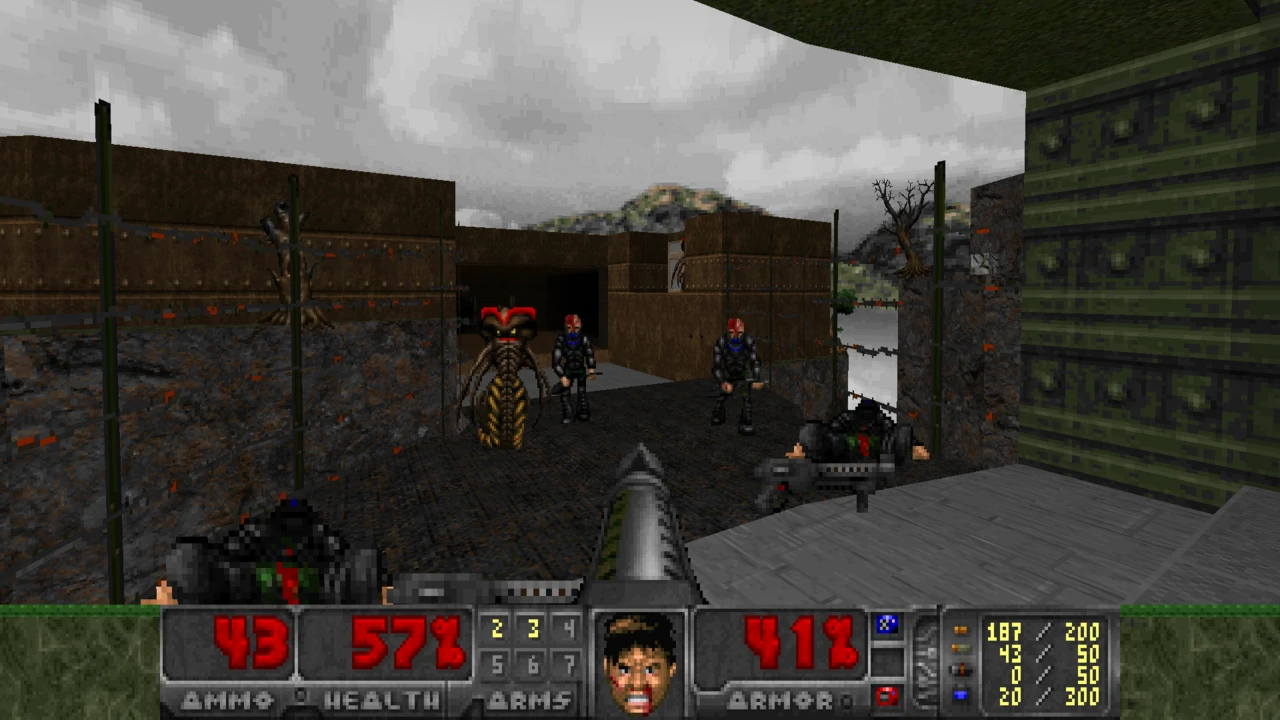
PC gaming is less a single machine than a flexible ecosystem. That flexibility can provide control over performance, input, and community-made content, while asking players to understand more about hardware and software.
PC games run across a wide range of computers, from compact laptops to desktop systems built for demanding graphics. Unlike a fixed console, a PC platform can be upgraded, configured, and used for work, communication, and play. The same openness creates variation: two players can own the same game and see different performance because their processors, graphics hardware, memory, storage, operating systems, and settings differ.
PC gaming differs from console play in its range of control, game libraries, mods, keyboard-and-mouse use, and hardware choices. Those options also bring additional setup decisions, though a configured PC can be simple to use.
What counts as a gaming PC?
| Form | Strength | Constraint | Best for |
|---|---|---|---|
| Desktop tower | Upgrade options, cooling, and a wide choice of components. | Needs desk space, display, and separate peripherals. | Players who want tuning, repairability, or higher performance ceilings. |
| Gaming laptop | Screen, controls, and computer in one portable unit. | Heat, battery life, and upgrade limits shape performance. | Players who need one machine for home and travel. |
| Handheld PC | Portable access to a computer game library with built-in controls. | Small screen, battery, and game compatibility can require tuning. | Players who value portability and flexible settings. |
| Everyday computer | May already run older, indie, strategy, and less demanding games. | Modern 3D games may need lower settings or may not run well. | Players exploring games before investing in specialized hardware. |
Why PC gaming developed its own identity
Early personal computers made keyboards, text interfaces, and user modification natural parts of play. Computer role-playing games, strategy titles, simulation, and adventure games could use longer commands or more complex menus than a living-room controller. As graphical interfaces and hardware advanced, genres such as first-person shooters and real-time strategy became strongly associated with PC controls. The mouse made precise pointing and selection easy; the keyboard offered many direct inputs.
Windows and DirectX helped provide a common way for games to communicate with graphics and sound hardware. Distribution changed as well. Physical discs gave way to digital storefronts and launchers, which simplified updates while fragmenting libraries across accounts and services. PC is both a hardware choice and a software ecosystem. An account, anti-cheat system, launcher, or mod tool may matter as much as a graphics card for a particular game.
PC gaming is global. Players use many languages, payment systems, regional storefronts, and hardware configurations. A game can release worldwide but still have different prices, age ratings, language support, or online access by region. These details vary by edition and cannot be inferred from the general PC label.
Performance is a set of trade-offs
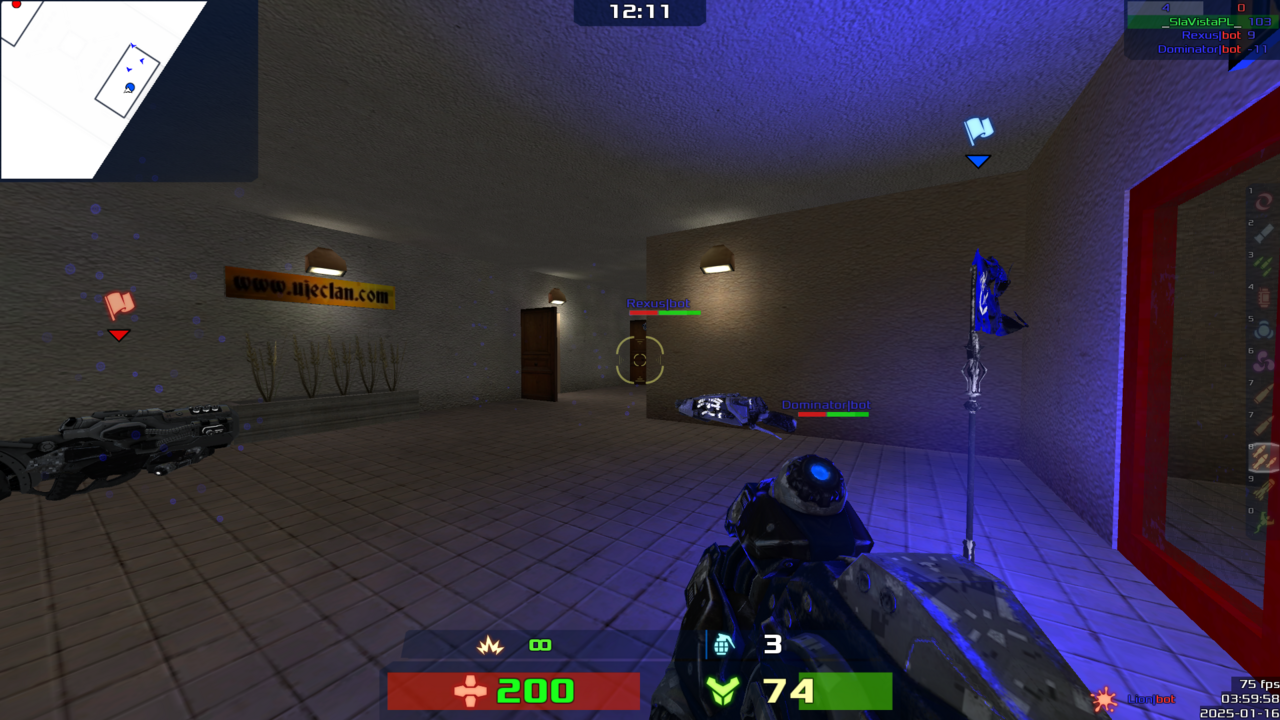
Frame rate, resolution, image quality, and input latency compete for hardware resources. A high resolution sharpens the image but asks more from the graphics processor. Higher frame rates can make motion and aiming feel more responsive, while the display and game design also shape the result. Lighting, shadows, texture quality, and effects can be adjusted individually in many releases.
Before troubleshooting, separate the symptoms. A game that stutters during new scenes may be loading assets or compiling shaders. A consistently low frame rate may point to settings or hardware limits. A crash can come from a driver, a game update, an overlay, or an unstable overclock. Changing one setting at a time makes it easier to know what helped.
A stable baseline makes PC performance easier to assess. The game's recommended preset and current hardware drivers provide a starting point; resolution or demanding visual options can then be adjusted if performance is uncomfortable. A modest, stable frame rate often feels better than an unstable one that briefly reaches a higher number.
System requirements describe a particular game and version, but do not promise a frame rate, resolution, or visual preset. Laptop and desktop parts with the same name can perform differently because power and cooling vary by device. Full system specifications give a better picture of likely performance than a component name alone.
Controls, displays, and accessibility
Mouse and keyboard are strong for precise aiming, quick inventory access, and games with many commands. Controllers can be more comfortable for driving, platforming, and action games designed around analog movement. Many PCs support both, letting players choose per game. Some competitive titles separate input types in matchmaking or apply aim-assist differently, so the control choice may affect multiplayer fairness.
Display setup is another practical variable. A laptop screen travels with the machine; a desktop can use one or several monitors; a television can make PC games feel like a console experience. Refresh rate, resolution, HDR, scaling, and cable support should match across the graphics card and display. A setting in the game cannot create a feature the monitor does not support.
On PC, accessibility is split between the game and the operating system. Screen magnification, speech input, and controller remapping can support the desktop, while each title still needs readable menus and input options that work inside the game. This distinction matters when a feature seems available in Windows but disappears once a game takes control.
Mods, older games, and compatibility
Modding is one of PC gaming’s distinctive strengths. Players may add a translation, accessibility adjustment, new scenario, visual change, or entirely new game mode. Some developers provide official tools; others rely on community-made methods. Mods can extend a game’s life, but installing them creates a second layer of responsibility: files should match the game version, and conflicting modifications can cause crashes or corrupted saves.
Older PC games can be harder to run than their age suggests. They may expect a display size, operating system, sound device, or input method that no longer exists. Community patches and compatibility settings can help, but old multiplayer services, licensing systems, and manuals may still be missing. A re-release may improve installation while changing music, cinematics, or controls.
Are PC games always backward compatible?
No. A game may run on newer hardware, but that does not ensure its online features, launcher, save files, or original presentation remain intact. Compatibility is specific to the game, operating system, and distribution edition.
Can a PC use a controller?
Many games support controllers natively, and operating systems can recognize a wide range of devices. Button prompts and vibration support vary by title and controller.
Are mods safe?
Mods come from different creators and use different installation methods. Trusted communities, version notes, save backups, and a clear removal method reduce the risk of conflicts when modifying a frequently played game.
Matching PC Games to a Setup
- Older or integrated graphics: strategy, simulation, puzzle, 2D action, and older 3D games often run on integrated graphics; requirements vary by title.
- Keyboard-heavy play: strategy, management, computer RPGs, and competitive shooters suit keyboard-heavy play.
- Controller-first play: action-adventure, platforming, racing, and many role-playing games work well with a pad.
- Community creativity: search for titles with official editors, Steam Workshop support, or an established mod community.
- Portable sessions: check handheld controls, text size, battery use, save behavior, and compatibility labels.
- Shared screens: verify local multiplayer support; a PC version may not include every console split-screen mode.
PC games can also demand time outside the game itself: installing drivers, resolving an account issue, adjusting settings, or learning a mod manager. This is less of a burden for some players than for others. A well-matched PC reduces friction, but the platform’s openness does not automatically make every game more accessible.
PC vs. Console: Control or Convenience?
A console offers a known hardware target, a living-room interface, and a simpler relationship between a game and the machine it was designed for. A PC offers more configuration, more input methods, a broad range of releases, and potential upgrades. Both can support controllers, online play, and high-quality graphics. Neither guarantee is universal: games may be exclusive, online requirements differ, and the exact hardware sets performance.
For a mixed library, mark what each regular game needs: pointer precision, controller-first movement, graphics tuning, or community-made scenarios. PC flexibility matters when those needs recur; otherwise, setup steps can cost more time than the extra options return. That gives a clearer comparison than assuming every release uses the platform in the same way.
PC gaming offers control over settings, upgrades, and community tools, with setup as part of the experience. A console provides a more consistent television interface. This day-to-day difference often determines which platform remains in use more than an abstract hardware score.