Classic PC Games: DOS and Windows
 by
in
by
in
Classic PC games were shaped by keyboards, disks, manuals, sound cards, and fast-changing hardware. Their variety goes beyond nostalgia: computer games often made complex systems and player choice central.
Classic PC games are not a single generation or style. The term can include text adventures on early computers, point-and-click stories on home systems, DOS shooters, Windows strategy games, simulation, role-playing, and independent experiments. A keyboard, mouse, and access to a file system made the PC feel different from a console, even when the same game appeared on both.
The platform’s history is tied to rapid hardware change. A game might expect a specific sound card, memory limit, processor speed, display mode, operating system, or disk format. That complexity created room for ambitious design, but it also made installation and compatibility part of the experience. Revisiting a classic today often means deciding whether to preserve its original setup or use a modern port that smooths out the rough edges.
Classic PC games by tradition
| Tradition | Representative games | What PC design made possible |
|---|---|---|
| Text and educational games | The Oregon Trail, Zork | Choices and reading could carry the experience with minimal graphics. |
| Point-and-click adventure | The Secret of Monkey Island, Grim Fandango | Mouse interaction, inventory puzzles, and dialogue-rich worlds. |
| Simulation and city building | SimCity, Microsoft Flight Simulator | Long-running systems with many controls and player-set goals. |
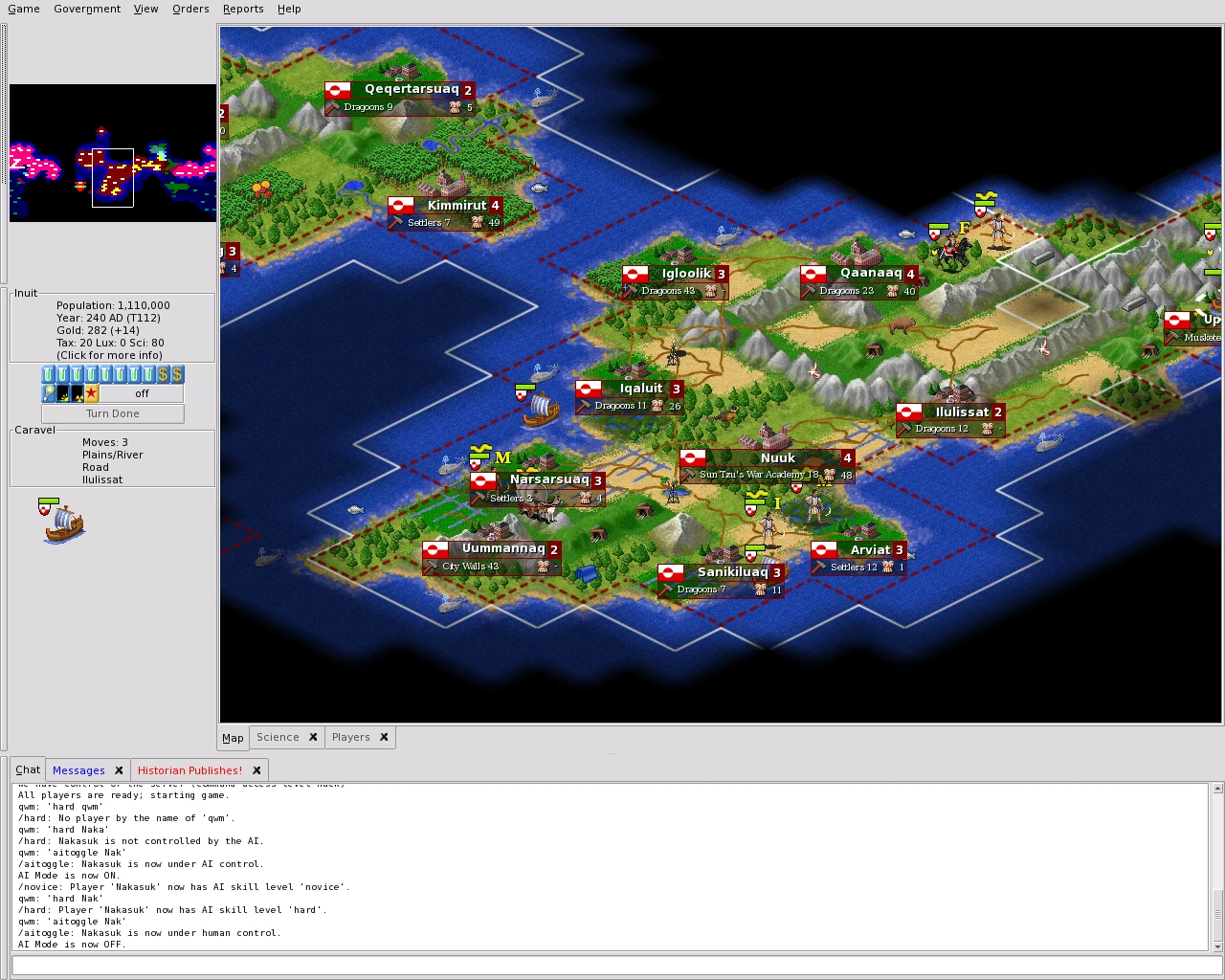
| Strategy and tactics | Civilization, X-COM: UFO Defense, Command & Conquer | Detailed maps, unit management, and long planning horizons. |
| First-person action | Wolfenstein 3D, Doom, Quake | Keyboard movement, mouse aiming, network play, and modding. |
| Role-playing games | Ultima, Baldur’s Gate, Fallout | Character builds, dialogue, inventory, and branching systems. |
| Exploration and puzzle | Myst, The 7th Guest | Large visual environments and CD-ROM audio or video. |
Why computer games often feel more systemic
A keyboard offers more direct commands than a small controller. A mouse makes menus, maps, and inventory management precise. These inputs support games that ask the player to manage many units, compare statistics, or issue commands in quick succession. They also encourage interfaces that can be dense and less comfortable on a sofa.
Personal computers were used for more than games, which made tools and community work natural. Players exchanged saved games, map files, mods, walkthroughs, and configuration tips. Some developers shipped editors or supported scenarios. The PC became a place to play and to change how a game behaved. That openness gave classics long lives, though it also placed more responsibility on the player.
Sound cards and CD-ROMs broadened presentation. A game could play recorded dialogue, richer music, or cinematic sequences, but those additions depended on hardware and disk space. Myst used CD-ROM storage for a quiet visual world; Doom used a different path, concentrating on speed, atmosphere, and networked action. Computer games did not move in one direction from text to spectacle. They developed several parallel styles.
Landmark games and how to approach them
The Oregon Trail: choices and uncertainty
Created as an educational program in the early 1970s and later distributed more widely through schools, The Oregon Trail turns travel into a sequence of resource decisions. Food, clothing, health, and timing all matter. Its text and simple visuals leave room for imagination, while sudden misfortune gives the journey a memorable edge. Modern players may know it through later versions, which differ in interface and presentation.
SimCity: a system without a conventional ending
SimCity asks the player to build and manage a city rather than complete a fixed campaign. Roads, zoning, services, and finances create interacting pressures. The player’s goal can be stability, growth, experimentation, or a distinctive skyline. The open structure makes it a foundational city-building game, although its interface and simulation rules reflect their era.
Doom: speed and mod culture
Doom rewards close reading of a level more than its reputation for speed suggests. Colored key doors, looping corridors, secret routes, and enemy placement make navigation part of each fight: the player decides when to keep moving and when to slow down to search. That gives a replayable lesson in how a keyboard-era shooter used geometry to guide attention.
Myst: stillness and environmental puzzles
Myst made careful observation central. The player explores islands, records clues, and solves machines through logic. The pace is the opposite of an action shooter, showing that the PC’s audience did not share one appetite. Its mystery can reward patient note-taking; it can also frustrate players who expect frequent hints or a clear journal.
Fallout and computer role-playing
Classic Fallout places the player in a post-apocalyptic role-playing world of dialogue, tactical combat, character attributes, and branching quests. Its tone mixes bleakness and dark humor, and its systems reward deliberate character planning. The interface and turn structure may feel unfamiliar to someone accustomed to modern real-time action RPGs, but the game’s choices remain central to its identity.
Hardware is part of the archive
Old PC games may have been published on floppy disks, CD-ROM, or later digital formats. Installation can involve multiple discs, manual codes, and configuration files. Processor speed can affect timing in older games that were not designed to scale cleanly. Sound cards used different standards, so the same game could sound different across machines.
Windows versions of games often rely on older display APIs, installers, or copy-protection software. A modern operating system may run some releases natively and reject others. Compatibility layers, community patches, official re-releases, and emulation each solve different problems. A patch can repair a bug while changing the original balance; an emulator can preserve the old environment while requiring configuration.
Preservation goals: A modern port may be the simplest way to retain a game’s story and systems. Documenting its behavior on a particular machine requires the operating system, sound setup, resolution, and version.
A modern compatibility checklist
- Version: identify the original release, official re-release, or community source port.
- Input: decide whether keyboard, mouse, controller, or a combination matches the game.
- Aspect ratio: preserve the original display shape when the interface uses its proportions.
- Audio: check music and sound options; some editions use different tracks or recorded content.
- Save behavior: older games may rely on manual saves, passwords, or limited save slots.
- Community files: mods and patches can improve play but require version compatibility and backups.
- Online functions: multiplayer servers or network protocols may no longer operate as they did at launch.
Text size is a practical accessibility issue: a 1990s game may assume a smaller screen and a closer seat. Some ports add scaling, subtitles, or remapping; others preserve the old interface. Games that rely on fast mouse movement or small text can require more adjustment than their reputation suggests.
How PC classics differ from console classics
Console games tend to target a limited set of hardware configurations, which can make setup more predictable. PC releases have historically varied by processor, graphics adapter, memory, operating system, and peripherals. That variation supported experimentation and a wide genre range, but it could lead to installation problems and uneven performance.
PC libraries include games that never had a console release, from management sims and point-and-click adventures to wargames and configurable RPGs. Later console ports may adapt menus and controls, which can make a game easier to use or reduce its complexity. Mouse, keyboard, and file access also shape the kinds of decisions a PC game can ask players to make.
How PC games use the computer
Classic PC games use different parts of the computer. Adventure games ask players to read and type; strategy games depend on the mouse and hotkeys; shooters reward quick keyboard-and-mouse control. The interface often shaped the game as much as its release date did.
Older PC games often assumed that a manual, printed key chart, or command prompt would sit beside the monitor. Those materials could explain rules the software never repeated, from keyboard shortcuts to installation choices. A modern port may bring those instructions into menus or replace them with tutorials; that changes how quickly a new player can understand the game, even when the levels remain intact.
The PC evolved from a work computer into a varied games platform. Keyboard, mouse, text, and saved files all affected how a game played.